Make shopping on HITOWAN even easier by linking your LINE account

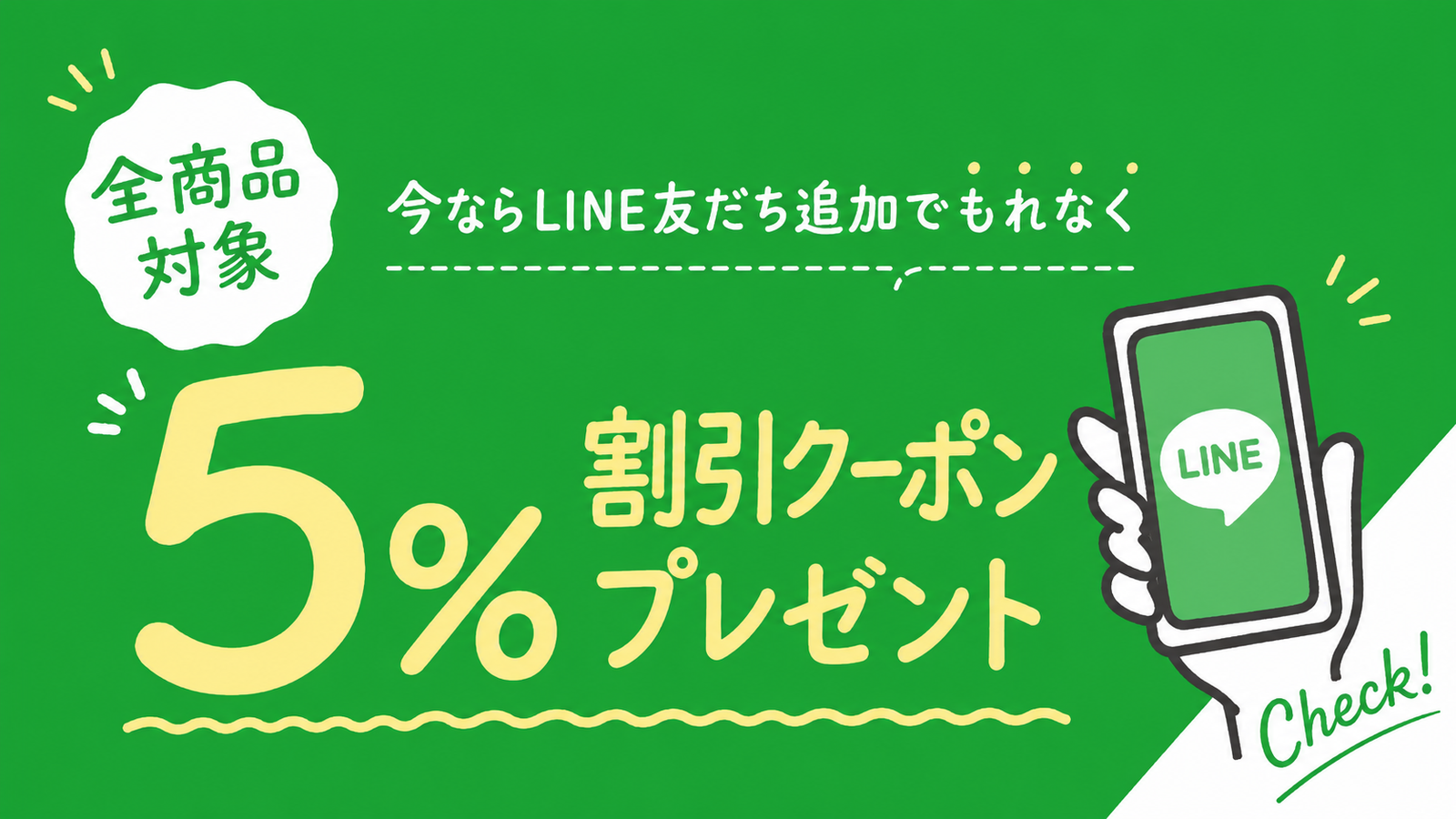
Get a 5% OFF coupon when you add us as a friend on LINE!
Customers who add us as a friend on LINE will receive a "5% OFF coupon" that can be used at our online shop.
LINE integration is a service designed to provide you with a more comfortable and enriched shopping experience. We encourage you to take this opportunity to integrate with LINE.
※The 5% OFF coupon will be sent in a message when you add us as a friend.
※To integrate with LINE, you must be a registered member of the HITOWAN online shop.
If you are not yet a member, please first "Register as a member."
How to add us as a friend on LINE
✍️ 01: Add directly from the "Add Friend" option
▼If you are viewing the site on a smartphone
Click the "Add Friend" button.
Clicking it will launch the LINE app and display the HITOWAN "Add Friend" page. 
▼If you are viewing the site on a device other than a smartphone
Please scan the QR code with your smartphone.
✍️ 02: Search and register from LINE

Launch the LINE app, open the "Home" tab, and tap the search box. Enter "HITOWAN" into the search box.
✍️ 03: Find and add the official account "HITOWAN."
You will be directed to the profile page of the official account "HITOWAN - Hitowan -". Tap "Add" within the bordered area to add it as a friend.
Once you add us as a friend, you will receive a welcome message from "HITOWAN - Hitowan -" in your chat room.
You can stop notifications from the official account at any time. If you wish to stop them, please turn off notifications. Even if you turn off notifications, messages received will still appear in your LINE chat list.
However, if you have blocked the account, you will not be able to link with LINE, so please unblock it.
How to link LINE
✍️ 01: Log in or register as a member
▼Customers who are already members
Enter your member information and "log in."

▼Customers who are not yet members
Please register as a member via "New Member Registration."

✍️ 02: Tap here to link LINE
From your My Page, tap the "Link" button for LINE.

✍️ 03: LINE Channel Authentication
You will be redirected to the LINE app; please log in.

✍️ 04: LINE linking complete
LINE linking is now complete.
A member registration completion notification will be sent to you via LINE message.